Project Repository
The full source code for TV Tracker is hosted on GitHub. You can download the latest version, report issues, or contribute to development.
Repository:
https://github.com/anon0110/tv-tracker
Use the repository to download the project files or clone the project directly to your server.
Quick Install (Git)
Clone the repository directly:
git clone https://github.com/anon0110/tv-tracker.git
Then upload the files to your server and run the installer.
About
TV Tracker is a lightweight web application that lets you track your favorite TV shows and movies using data from The Movie Database (TMDB).
The app is designed to be simple, fast, and self‑hosted so you have full control over your watch history and data.
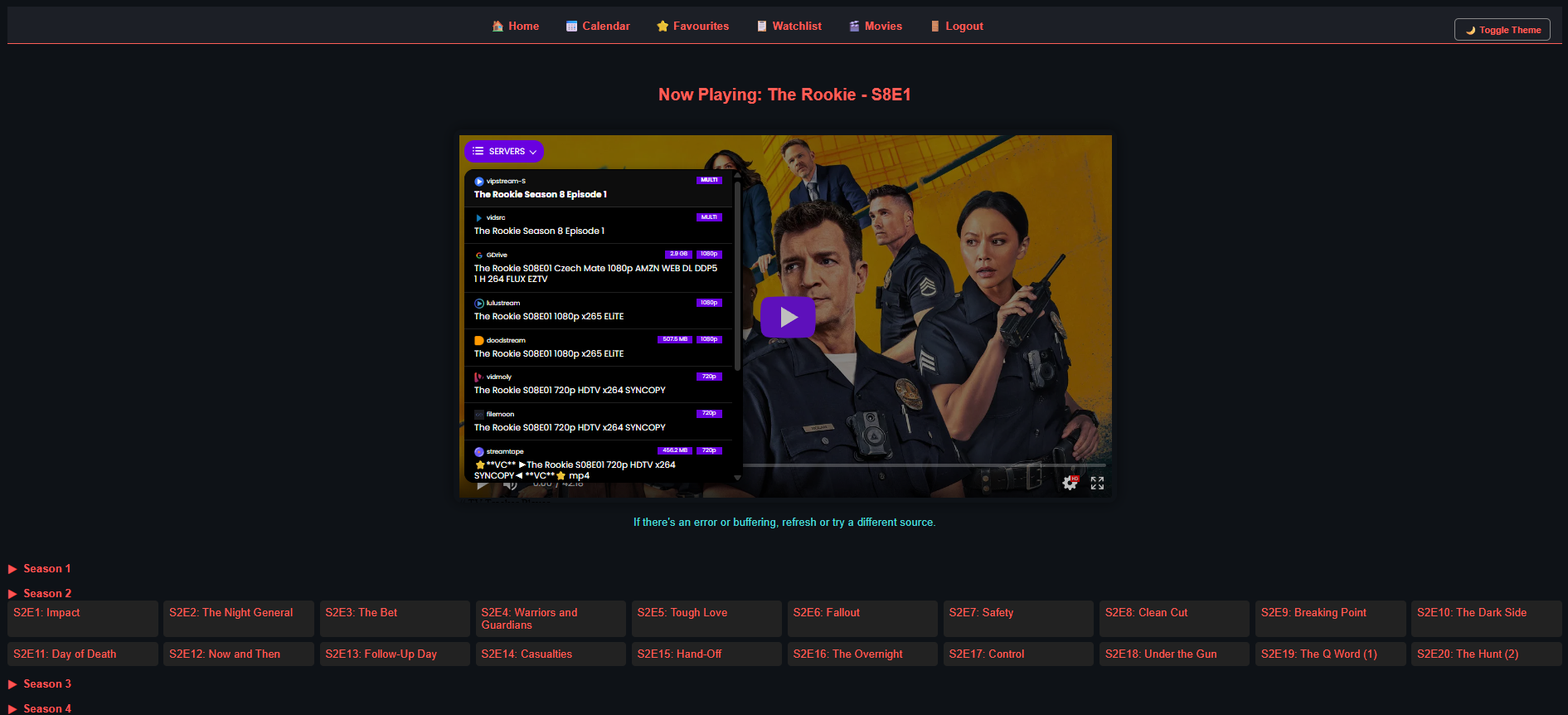
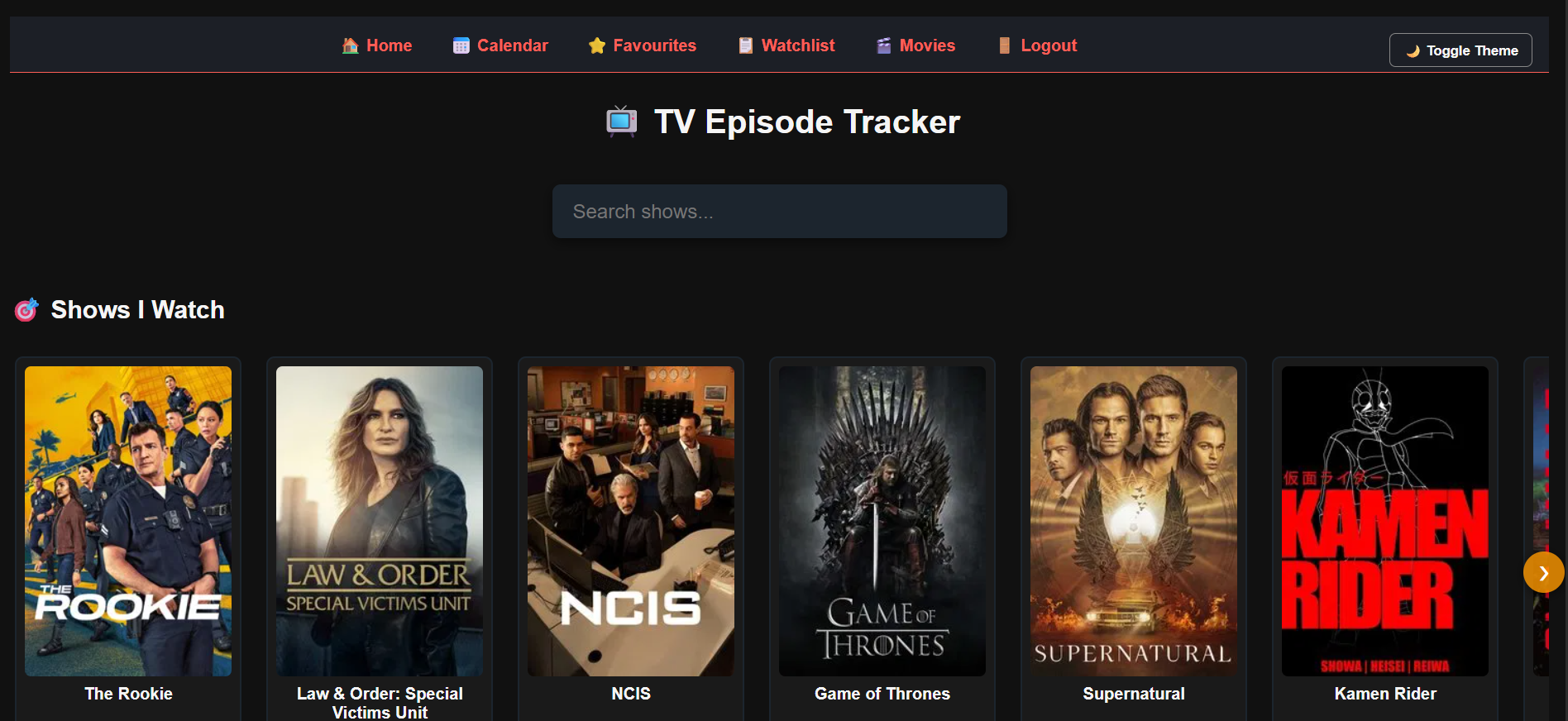
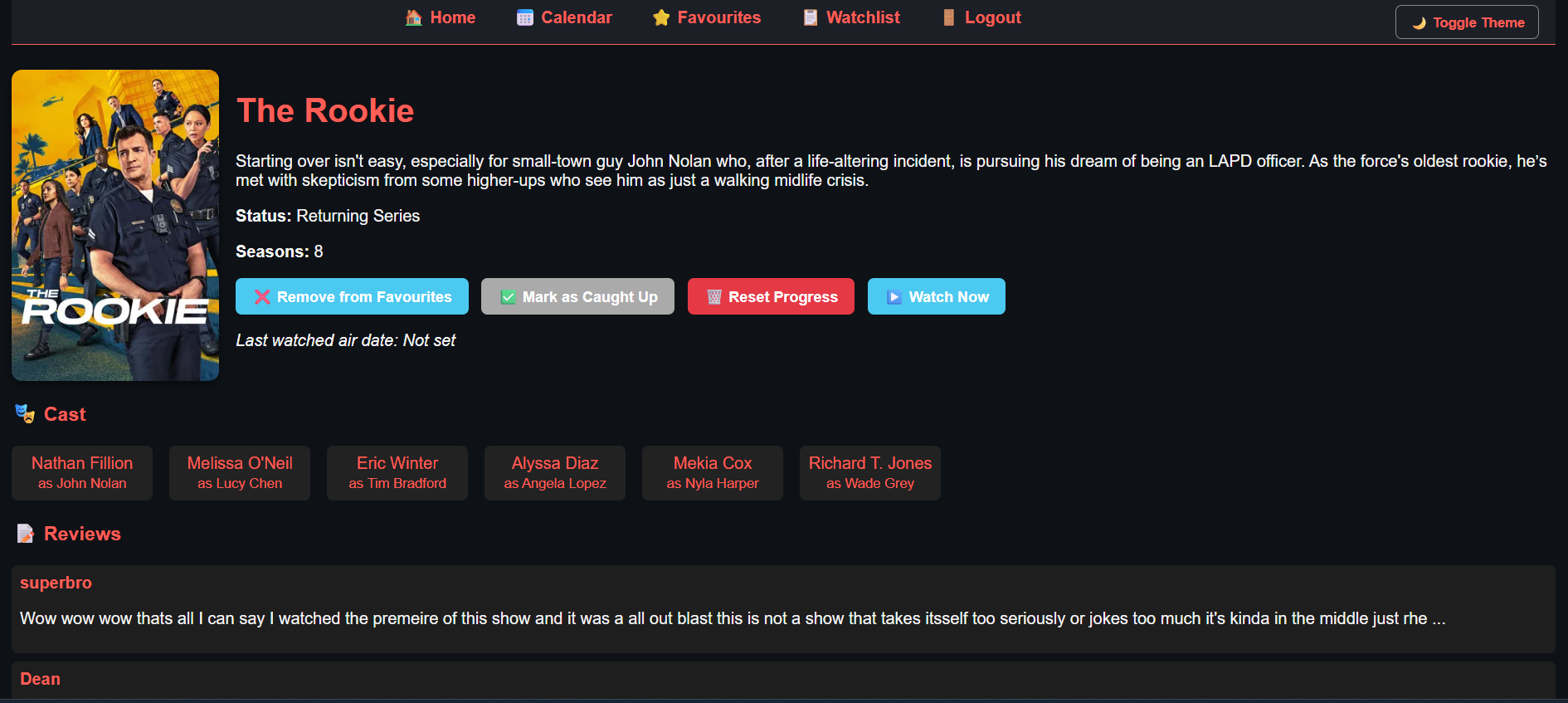
Screenshots
Preview of the TV Tracker interface.

Features
- Track TV shows and movies
- Personal watchlist and favourites
- Episode release calendar
- Integrated video player
- Secure login and registration system
- Uses TMDB API for metadata
- Lightweight SQLite database
Installation & Setup
TV Tracker includes an easy web‑based installer.
1. Requirements
- Web server (Apache or Nginx)
- PHP 7.4+
- SQLite3 PHP extension enabled
2. Upload Files
Upload the project files to your web server directory.
3. Run Installer
Open your browser and navigate to:
http://yourdomain.com/setup.php
Follow the setup steps to configure your database and TMDB API key.
TMDB API
This project uses the TMDB API for TV and movie metadata. You will need to generate a free API key from TMDB and add it during installation.